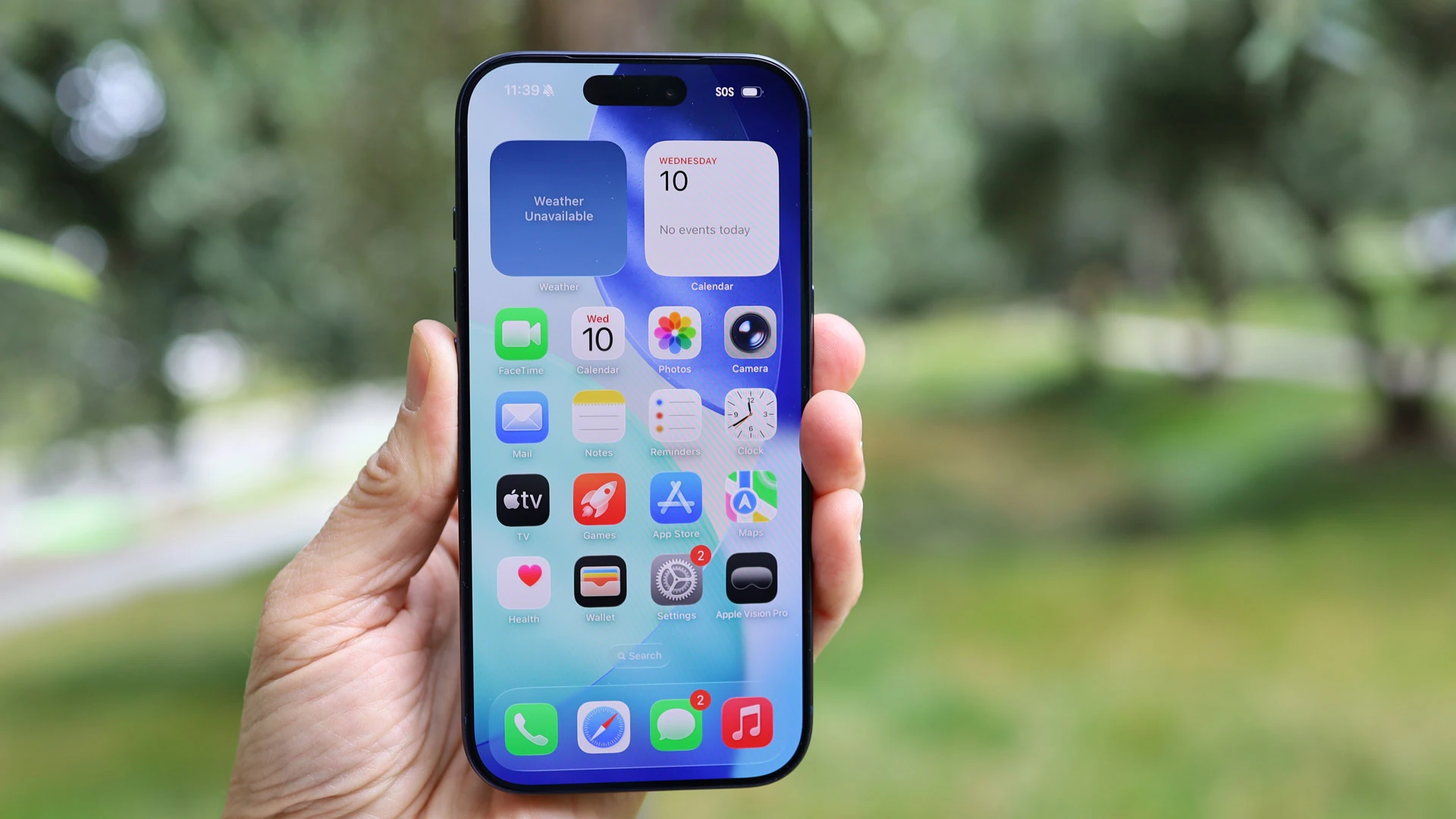
Apple has officially started rolling out the iOS 26.2 update for iPhones, bringing a fresh set of visual customisation options, improvements to Apple Music, and multiple system-level enhancements. The update focuses on personalization, smoother performance, and subtle UI refinements, making it a meaningful mid-cycle release for supported iPhone models.
What’s New in iOS 26.2
The iOS 26.2 update builds on Apple’s design evolution by adding more control over visual elements and refining everyday apps. Users can expect smoother animations, better responsiveness, and improved consistency across system apps.
Liquid Glass Customisation Arrives
One of the biggest highlights of iOS 26.2 is Liquid Glass customisation. Apple now allows users to adjust the transparency, blur intensity, and reflective effects of UI elements like widgets, Control Center panels, and app backgrounds. This feature enhances depth and gives iPhones a more dynamic, premium look while still maintaining readability.
Apple Music Gets Notable Improvements
Refined Now Playing Interface
Apple Music receives a refreshed Now Playing screen with smoother transitions, improved lyrics display, and better album art scaling.
Smarter Music Discovery
The update improves music recommendations using refined listening patterns, making playlists and suggested tracks more relevant.
Faster Downloads and Playback
Apple has also optimized music downloads and background playback, resulting in fewer interruptions and quicker song loading times.
Performance, Battery, and System Tweaks
iOS 26.2 includes under-the-hood optimizations that improve overall system stability and app launch speeds. Battery efficiency has also been refined, particularly during background activity and media streaming. Apple has addressed minor bugs and improved thermal management on older iPhone models.
Privacy and Security Enhancements
The update introduces stronger permission controls, clearer background activity indicators, and additional security patches. These changes help protect user data while giving more transparency into how apps access system resources.
Supported Devices and Availability
The iOS 26.2 update is rolling out in phases and is available for eligible iPhone models. Users can download it by heading to Settings > General > Software Update. Apple recommends backing up important data before installing the update.
Why This Update Matters
iOS 26.2 shows Apple’s continued focus on refinement rather than drastic changes. Features like Liquid Glass customisation add a new layer of personalization, while Apple Music updates improve daily usability. Combined with performance and security upgrades, this update helps extend the lifespan and polish of existing iPhones.
FAQs
What is Liquid Glass customisation in iOS 26.2?
It allows users to adjust transparency and blur effects across system UI elements for a more dynamic visual experience.
Does iOS 26.2 improve battery life?
Yes, the update includes background optimization and efficiency tweaks that can help improve battery performance.
Is iOS 26.2 a stable update?
Yes, Apple is rolling out iOS 26.2 as a stable update for supported iPhone models.